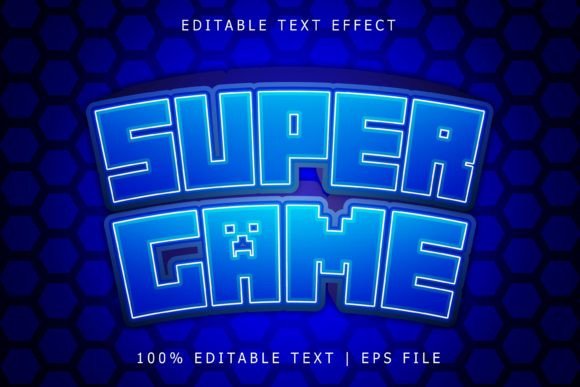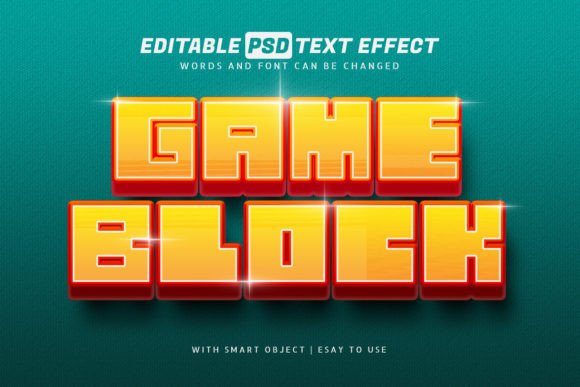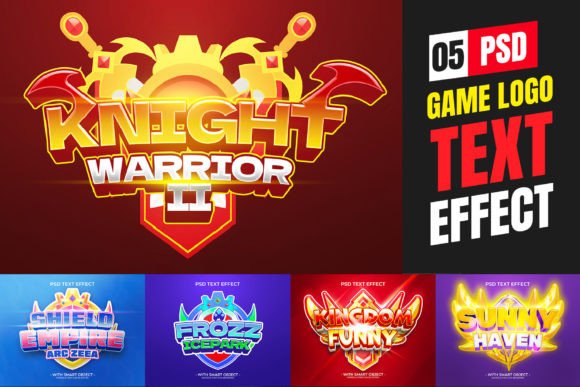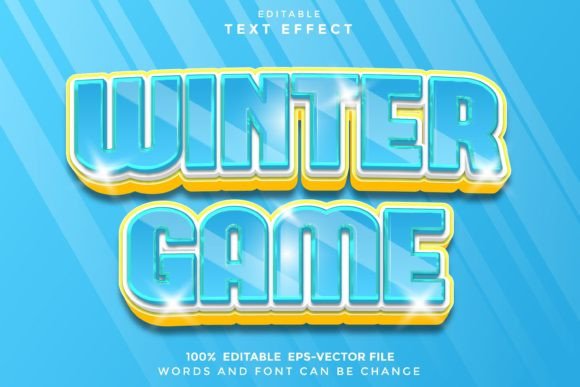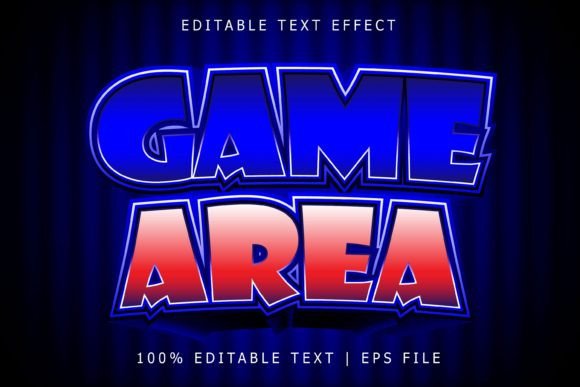
Game Area Editable Text Effect: A Practical Tool for Adobe Illustrator Users
Designers and creators working in Adobe Illustrator often seek tools that streamline their workflow while offering flexibility and high-quality output. The Game Area Editable Text Effect fits this need by providing a scalable, customizable typography solution that enhances visual projects without complicating the design process. Unlike traditional fonts, this effect allows for full typographic control, making it a valuable asset for professionals who need precision and adaptability in their creative work.
Understanding the Game Area Editable Text Effect
The Game Area Editable Text Effect is not a font in the conventional sense—it's a vector-based effect designed specifically for Adobe Illustrator. This distinction is important because it means the effect retains full editability, allowing users to modify text shapes, colors, outlines, and other visual properties without losing quality. The effect is delivered in EPS format, which ensures compatibility with Illustrator and maintains scalability across different design sizes.
Because it's fully editable, designers can manipulate every aspect of the text to fit branding guidelines, project themes, or visual storytelling needs. Whether used for game titles, promotional banners, UI elements, or social media assets, this effect supports a wide range of applications across both digital and print media.
Integrating into the Creative Workflow
Incorporating the Game Area Editable Text Effect into a design workflow can happen at various stages—before, during, or after a project. For instance, during the early planning phase of a game or app interface, designers may use this effect to prototype visual headers or call-to-action buttons. Its ease of use allows for rapid iteration, helping teams explore multiple design directions without being constrained by font limitations.
During the execution phase, the effect becomes a production asset. Designers can apply it to finalized text elements, adjusting stroke width, color gradients, and shadow effects to match the overall aesthetic. Since it's vector-based, scaling to different screen sizes or print dimensions is seamless, which is especially useful for multi-platform projects.
Post-design, the effect supports long-term maintenance and updates. Because it remains fully editable, making changes to text content or visual style later in the project lifecycle is straightforward, reducing the need for complete redesigns when small adjustments are needed.
How It Works With Other Tools and Assets
The Game Area Editable Text Effect integrates smoothly with other Adobe Illustrator features and third-party tools commonly used in design workflows. It pairs well with:
- Adobe Photoshop – for adding textures or background effects after the text is exported as a layered file.
- Illustrator's Global Edit – allowing users to edit multiple instances of the same text style across a document simultaneously.
- Color swatches and gradients – enabling consistent branding and visual harmony across design elements.
- Export tools – for saving in various formats (PNG, SVG, PDF) suitable for web, mobile, or print.
Additionally, because the effect works with any font or shape, it complements existing typography libraries and vector assets. Designers can combine it with icons, illustrations, or UI kits without worrying about compatibility issues. This flexibility makes it a reliable component in both solo and collaborative workflows where asset consistency is crucial.
Practical Implementation Tips
For best results when using the Game Area Editable Text Effect, consider the following implementation strategies:
- Start with a clear design brief – Define the visual tone and message before applying the effect. This helps ensure the text aligns with brand guidelines or project goals.
- Use layers effectively – Organize your Illustrator file by separating text effects from background elements, making future edits easier.
- Test scalability early – Since the effect is vector-based, preview how it looks at different sizes to avoid visual distortion on small screens or print materials.
- Create reusable styles – Save frequently used text effects as graphic styles in Illustrator to maintain consistency across multiple files.
- Optimize for export – When preparing files for developers or clients, flatten unnecessary layers and embed fonts where possible to avoid rendering issues.
These practices help maintain efficiency and quality control, especially when working on large-scale or long-term projects where design consistency and adaptability are essential.
Real-World Use Cases
The Game Area Editable Text Effect finds relevance in a variety of design scenarios, particularly where visual impact and customization are key. Some common applications include:
- Game development – Used for title screens, level names, or in-game UI elements that need to stand out with a bold, stylized look.
- Marketing materials – From digital ads to print brochures, this effect helps highlight key messages with a polished, professional appearance.
- UI/UX design – Enhancing buttons, headers, and interactive elements in web or mobile interfaces for a more engaging user experience.
- Social media visuals – Creating eye-catching quotes, announcements, or promotional posts that align with brand aesthetics.
- Educational content – Designing infographics, presentations, or course materials where text needs to be visually engaging yet informative.
Each of these use cases benefits from the effect's ability to maintain clarity and visual appeal while remaining fully customizable. Designers can tailor the effect to match specific themes, color schemes, or stylistic preferences without sacrificing quality or scalability.
Long-Term Considerations and Best Practices
As with any design asset, proper organization and maintenance ensure the Game Area Editable Text Effect remains a valuable tool over time. Consider these best practices:
- Version control – Keep track of different iterations of your design files, especially when multiple team members are involved.
- Asset management – Store effects, swatches, and templates in a centralized location for easy access and reuse.
- Consistency checks – Periodically review how the effect is used across different projects to ensure brand alignment and visual coherence.
- Training and documentation – Share usage guidelines with team members or clients to streamline collaboration and reduce onboarding time.
By treating the effect as part of a broader design system, users can maximize its utility and ensure it continues to serve their creative and business needs effectively over time.